How to Play Just Build!
Understand the creative loop, co-op habits, and what “winning” looks like in a sandbox.
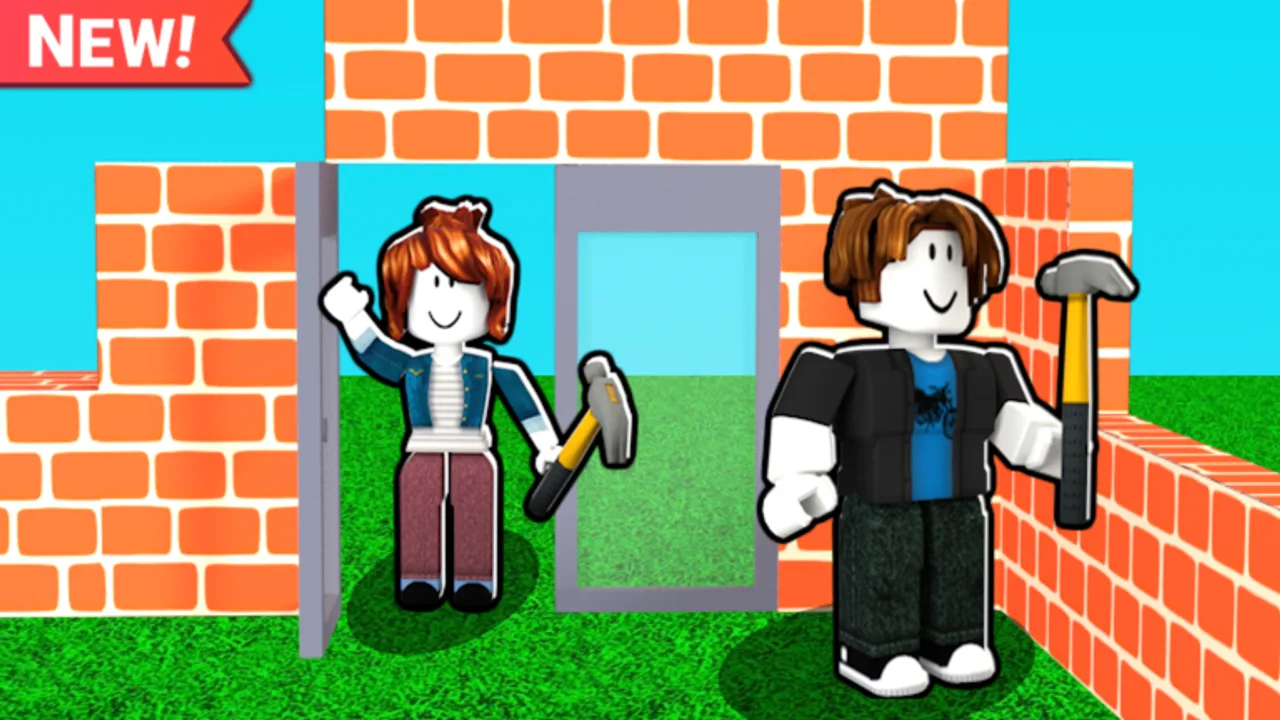
Just Build! is a Roblox collaborative sandbox by Awesome Fun Games. Released on 2024-10-01, it asks a simple question: what will you and your friends create when the world autosaves and up to eight players can place blocks together? This how-to-play guide explains the loop, session goals, etiquette, and how optional Game Passes fit—without pretending the game is a ranked ladder.
If you have not finished onboarding basics, skim Getting Started first. Then return here to turn those first clicks into a repeatable play style.
The core loop
- Join a server (solo or with friends).
- Orient — find open space, existing builds, and the tools you need.
- Choose a micro-goal — a wall, a vehicle frame, a terrain patch, or a themed corner.
- Place, adjust, decorate — iterate instead of chasing perfection on the first try.
- Let autosave work — keep playing; your world is meant to persist between sessions.
- Invite or hand off — bring friends in with Invite Friends or leave a clear foundation for next time.
There is no final boss. Satisfaction comes from visible structure and shared jokes in chat when someone finishes a ridiculous tower.
Session goals that actually work
Sandboxes feel empty when you join without a plan. Pick one of these starter goals:
- Foundation night: flatten a plot, outline rooms, and stop before decorating.
- Mobility night: practice coils, grapples, or flight-related passes if you own them, then mark scenic overlooks for future builds.
- Theme night: beach, winter, neon city, or cozy cottage—lean on Beach Pack or Winter Pack only if you already purchased them.
- Collab night: assign zones so eight players do not stack walls in the same tile.
Write the goal in chat at the start. Groups that skip this step rebuild the same doorway three times.
Co-op etiquette for up to eight players
Online co-op is the heart of Just Build!. Treat the world like a shared studio:
- Ask before deleting large structures you did not create.
- Claim a color, material, or map quadrant when the group is large.
- Keep megabuilds slightly separated so cameras and physics stay readable.
- Use voice or clear text callouts for “need paint,” “need height,” or “leaving for dinner.”
- Remember Ban Hammer and similar passes are social power tools—use them for moderation jokes only if your group agrees.
When conflict appears, pause placement and renegotiate the plan. Autosave will keep the world; egos do not need to.
Movement, height, and getting unstuck
Creative maps punish bad movement. Learn vanilla movement first via Controls, then decide whether Game Passes like 2x Run Speed, Speed Coil, Gravity Coil, Fusion Coil, Grapple Hook, Flying Cloud, or Flying Carpet are worth it for your style. Higher Build helps when your imagination outgrows the default vertical limit. None of these are required to enjoy a first house.
If you fall into a hole or get wedged in geometry, stay calm: reposition the camera, ask a friend for a pull if tools allow, or rejoin if the session is soft-locked. Read Autosave Explained so rejoining feels safe rather than scary.
Economy and unlocks without FOMO
Cash helps you buy more building options. 2x Cash speeds that loop if you play often. Paint Blocks and themed packs change aesthetics more than power. There are no active public promo codes today—see Codes and How to Redeem for status and future steps. Spend on what matches your current project, not on every pass at once; the tier list helps prioritize.
From empty plot to showcase
Watching other creators helps. Mid-guide, study a real play session, then copy the habits (blocking out shapes, testing scale with your avatar, decorating last) rather than copying every block. When you want concrete project recipes, move to Builds. When inventory or placement tools confuse you, open Tools. Mobile players should add Mobile Building so touch aim does not erase joy.
A sample first hour
Minutes 0–10: load in, walk the map edge, pick a flat zone.
Minutes 10–25: lay a rectangle foundation and four walls.
Minutes 25–40: add a roof, door gap, and one window experiment.
Minutes 40–55: invite a friend or decorate with a single palette.
Minutes 55–60: walkthrough screenshot, note next session’s goal in chat or a private note.
That hour teaches more than racing for every shop item. After a few sessions you will naturally expand into vehicles, terrain sculptures, and multi-plot campuses.
Safety and quality-of-life extras
Stick to the official experience. Be cautious with Scripts content that promises instant money or destructive admin powers you did not earn. For patch awareness use Updates; for a blunt “is this for my group?” take, read the review. Official and community pointers live on the wiki links hub.
Keep playing with intention
How to play Just Build! is really how to decide what to build, who builds which part, and when to stop decorating. Master that, and Game Passes become flavor. Fail that, and even Flying Carpet will not save a chaotic eight-person scribble. Use this page with Getting Started, invite thoughtfully, trust autosave, and grow your world one clear session at a time.
Frequently Asked Questions
Quick answers to the most common questions.
How do you win in Just Build!?
You do not win in a ranked sense. Success is finishing shared builds, improving your workflow, and enjoying online co-op with up to eight players.
Can I play Just Build! alone?
Yes. You can build in a session by yourself, then invite friends later. Autosave is designed to keep your progress between visits.
What should I buy first?
Nothing is required. If you spend, prioritize what matches your pain point—height, speed, paint, or a theme pack—after checking the tier list.
Are there working codes to speed up playing?
There are currently no active public promo codes. Check the Codes Hub for updates and use How to Redeem when a real code appears.
How many players can build together?
Just Build! supports online co-op with a maximum of eight players in the collaborative sandbox session.