Just Build! Builds
Turn blank plots into readable silhouettes with plans you can share in co-op.
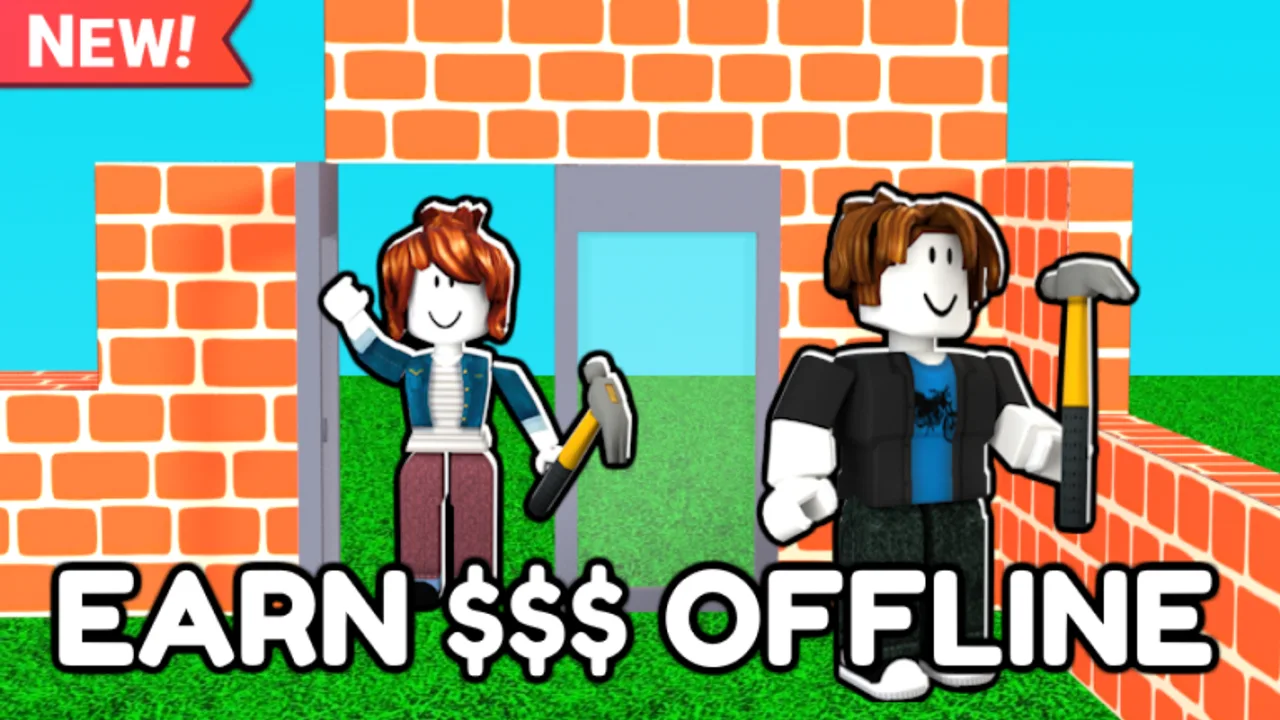
Just Build! is a Roblox sandbox from Awesome Fun Games where the whole loop is placing parts, inviting friends, and trusting autosave. This Builds Hub exists because most failed sessions are not skill problems — they are planning problems. Groups open a public server, spam colorful blocks for ten minutes, then quit when the silhouette looks like noise. The pages under this hub teach structure, housing layouts, and theme packs so your plot still looks intentional after an hour of co-op chaos.
Start with structure, then decorate
Open structure-first building before you buy themed Game Passes. Foundations, massing, and circulation decide whether a plot reads as a house, a track, or a landmark from the spawn camera. Decoration and coils come later. If you skip structure, Higher Build height and Beach Pack props only amplify clutter.
Browse by goal
- Want a livable shell with rooms that make sense? Use house ideas.
- Want a vacation island, winter lodge, or car-focused showcase? Use theme builds.
- Ready for trim, lighting, and polish after the shell is solid? Use detail finishing.
- Need screenshot-ready presentation ideas? Use showcase ideas.
- Need a printable session plan? Pair any idea with the build checklist tool.
- Still learning the free loop? Read how to play and getting started first.
Why Just Build! projects need a hub
Unlike simulators with fixed maps, Just Build! gives you a blank collaborative canvas. Autosave means unfinished messes persist. Co-op means eight players can place at once. Without a shared vocabulary — footprint, spine, roof plane, accent color — friends overwrite each other’s wings. This hub standardizes that vocabulary so Discord callouts like “finish the east wall” actually mean something.
How to run a one-hour build night
- Pick one page from this hub and one silhouette goal (house, car plaza, earth island).
- Assign roles: foundation lead, roof lead, detail lead, cleanup lead.
- Run the build checklist at the twenty-minute and fifty-minute marks.
- Screenshot from spawn before you leave so tomorrow’s session starts with a reference.
- Only then open the Gamepass picker if the free kit felt limiting.
Paid content that helps builds
Game Passes such as Higher Build, Beach Pack, Winter Pack, Paint Blocks, coils, Grapple Hook, Flying Cloud, and Flying Carpet change what you can place or how fast you move. They do not replace planning. Read best value Game Passes and the coils tier list after you complete one free structure. Ban Hammer is a moderation tool for private sessions, not a building style.
Cross-links that keep sessions productive
Use invite friends so co-op etiquette is clear before anyone deletes a wall. Check autosave explained if someone is afraid to experiment. Watch updates when a patch changes prop sets. If you arrived from a codes search, the honest answer is on the codes hub — there are no stable public codes — then come back here and build something real.
Quality bar for pages in this category
Every build page should leave you with a sequence you can execute without another tab open: footprint, spine, shell, roof, details, cleanup. Videos are optional and capped at one per page. Ideas must work on the free kit first; Game Pass callouts are upgrades, not requirements. When a theme depends on Beach Pack or Winter Pack, the page says so plainly so you do not feel forced to spend Robux mid-session.
Bookmark this Builds Hub next to Guides and Tools. Creative sandboxes reward players who return with a plan. Just Build! rewards that habit twice as hard because autosave keeps every good decision — and every bad one — waiting for you tomorrow.
Frequently Asked Questions
Quick answers to the most common questions.
Which build page should I open first?
Start with structure-first building, then pick house ideas or theme builds once your footprint is solid.
Do I need Game Passes for these ideas?
No. Every recommended workflow starts with free blocks. Packs and coils are optional upgrades after one clean free build.
Can friends follow these plans in co-op?
Yes. Assign roles from the hub checklist advice and keep one player as cleanup lead so silhouettes stay readable.
Where do I track new props after updates?
Check the Updates Hub, then revisit theme builds if Beach Pack, Winter Pack, or paint tools changed.