Just Build! Guides
Tutorials for first sessions, co-op invites, autosave confidence, and building on any device.
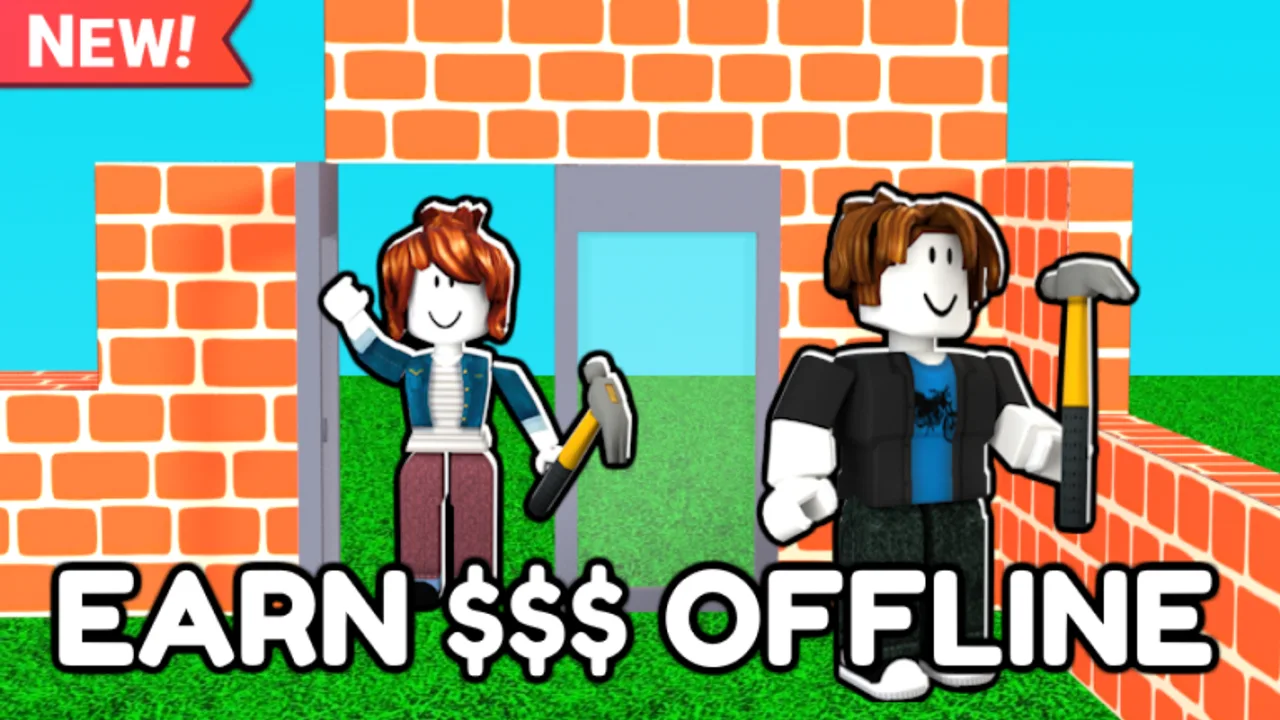
Welcome to the Guides Hub for Just Build! by Awesome Fun Games on Roblox. This collaborative sandbox released on 2024-10-01 and focuses on creative building with autosave, online co-op, and rooms that support up to eight players. Whether you want a calm solo plot or a loud group megabuild, these tutorials explain how sessions actually feel—and how to avoid the mistakes that waste a night of placement.
Use this hub as your table of contents. Each linked guide is written for search intent (how to play, how to invite, how autosave works) and cross-links to sibling pages so you can keep reading without bouncing back to Google.
Start here if you are new
- Getting Started — first-hour checklist, what to ignore, and how to leave a tidy world for later.
- How to Play Just Build! — core loop, co-op etiquette, and what “good progress” looks like without a traditional win screen.
- Invite Friends — get up to eight builders into the same session without confusion.
- Autosave Explained — why your world should persist, and what to do if something looks missing after a rejoin.
- Build Etiquette — shared-world rules so co-op nights stay productive instead of chaotic.
- Troubleshooting — fixes for missing UI, lag, rejoin issues, and post-patch confusion.
- Mobile Building — touch controls, camera patience, and smaller-session strategies on phones and tablets.
New players often jump straight into placing every free block they see. Slow down: learn the HUD, decide a simple theme, and agree on build zones if friends are joining. That habit matters more than any single Game Pass.
What Just Build! is (and is not)
Just Build! is a creative sandbox, not a ranked fighter or a story RPG. Your “progression” is the structure you leave behind: houses, cars, landscapes, theme parks, and silly experiments that friends can expand. Cash and optional Game Passes (Higher Build, Beach Pack, Winter Pack, Paint Blocks, 2x Run Speed, 2x Cash, Ban Hammer, Fusion Coil, Grapple Hook, Flying Cloud, Gravity Coil, Speed Coil, Flying Carpet) change how fast or stylish you build—they do not replace teamwork.
There are no active public promo codes at the moment. If you came here hunting free cash, read the honest status on the Codes Hub and the how to redeem walkthrough for when codes return.
Pair guides with planning pages
Tutorials teach process; other sections help you choose goals:
- Browse Builds when you want structure ideas and inspiration paths.
- Check the tier list for Game Pass and priority opinions.
- Learn Controls and Tools when input or inventory confusion slows you down.
- Skim Updates after patches, the review for a high-level take, and the wiki for official and community links.
- Stay careful with Scripts topics—building skill beats risky automation claims.
How to use these guides in a real session
- Read Getting Started once, then jump into a short practice build.
- Invite one friend with Invite Friends before you fill all eight slots—communication scales poorly if nobody owns a plan.
- Mid-session, open Autosave Explained only if something looks wrong; otherwise keep placing.
- On mobile, keep sessions shorter and use the tips in Mobile Building.
- After you finish a showcase piece, screenshot it and note which tools felt awkward so you can revisit Tools later.
Mid-article gameplay context
The embedded gameplay video on this hub is a reality check: Just Build! looks best when players move with purpose—gather materials, claim a plot zone, and iterate. Watching someone else build a car, a planet, or a chaotic anything-goes map can unlock ideas faster than staring at an empty floor. When you are ready for focused tutorials, continue into the leaf guides linked above.
Keep the wiki working for you
We update guides when mechanics or UI labels shift. If a menu name in a tutorial no longer matches your client, check Updates and compare with the How to Play page. Bookmark this Guides Hub, share it with your co-op group, and pick one leaf guide per session so you are not reading instead of building.
Just Build! rewards curiosity, clear chat, and respect for shared space. Start with the beginner path, invite friends when the foundation exists, trust autosave, and come back here whenever you need a structured answer instead of a random comment thread.
Frequently Asked Questions
Quick answers to the most common questions.
Which Just Build! guide should I read first?
Start with Getting Started, then How to Play. Add Invite Friends when you are ready for co-op, and Autosave Explained if you worry about losing progress.
Is Just Build! single-player or co-op?
It is an online collaborative sandbox. You can build alone in a session, but the experience supports online co-op with up to eight players.
Do these guides cover codes and Game Passes?
Guides focus on play and building. For codes status see the Codes Hub (none active currently). Game Passes are discussed across guides, tier list, and tools pages.
Are the guides useful on mobile?
Yes. Read Mobile Building for touch-specific tips, and use Getting Started plus How to Play for the shared fundamentals.
Where should I go after finishing the beginner guides?
Explore Builds for project ideas, Controls and Tools for precision, and Updates after patches. The wiki links page collects official resources.