Just Build! Codes
Current promo status, how redemption works, and where to check after updates.
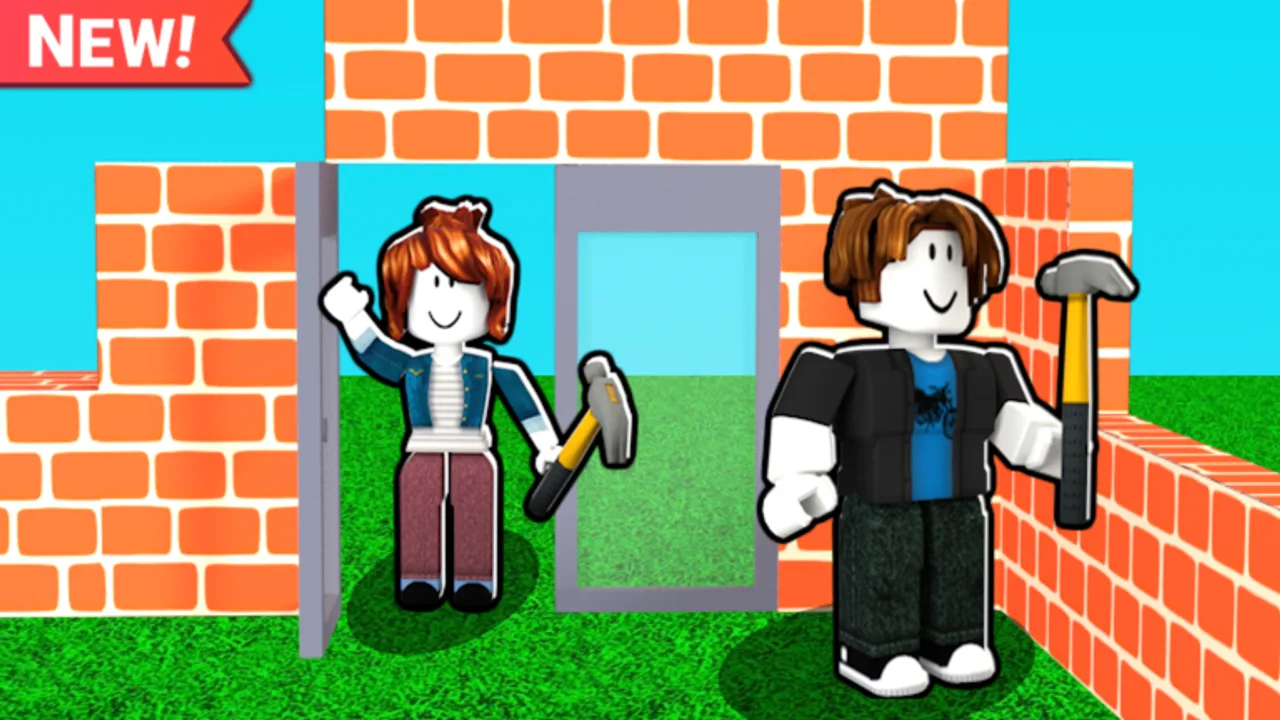
Looking for Just Build! codes on Roblox? This hub tracks promo codes from Awesome Fun Games, explains what rewards usually look like in collaborative sandbox experiences, and points you to a clear redemption walkthrough. Just Build! launched on 2024-10-01 as a free-to-play building game with autosave and online co-op for up to eight players—players often search for codes after they finish their first session and want a cash or cosmetic boost.
Current codes status
As of our August 2026 research pass, there are no verified active public promo codes for Just Build! by Awesome Fun Games (place ID 103684196891735). That is intentional honesty, not a placeholder. Many Roblox sandboxes ship Game Passes and packs long before they run a stable codes program. If a code appears in a patch note, social post, or in-game event, we will list it here with reward text and any known expiry window.
Until then, treat random code lists on social media and SEO “code farm” pages with extreme caution. Those sites invent strings such as BUILDMASTER or SKYARCHITECT to capture search traffic—they are not confirmed working rewards for this experience. Expired strings, typo variants, and copy-paste dumps from unrelated games waste time and can train you to ignore the real redemption UI when a legitimate code finally lands. After patches, re-check the Updates Hub and our troubleshooting guide if redemption UI behavior changes.
What codes usually grant (when they exist)
When Just Build! does run promos, expect rewards that fit a creative economy: cash for buying blocks and tools, temporary multipliers, or cosmetic unlocks that pair with themed packs. Codes rarely replace the deeper progression you get from building with friends; they are a shortcut, not a substitute for learning placement, inventory flow, and session habits covered in the Guides Hub.
If you mainly want permanent unlocks, browse optional Game Passes such as Higher Build, Beach Pack, Winter Pack, Paint Blocks, 2x Run Speed, 2x Cash, Ban Hammer, Fusion Coil, Grapple Hook, Flying Cloud, Gravity Coil, Speed Coil, and Flying Carpet—then decide what actually helps your build style. Pair that with our tier list when you want priority advice, and the builds pages when you are ready for structure ideas.
How to redeem when a code goes live
Redemption steps can shift after UI updates, so keep this hub bookmarked and follow the dedicated walkthrough: How to Redeem Codes. In short, you join the live place, open the codes or gift entry field if the game exposes one, paste the string carefully (case and spacing matter), then confirm and check your inventory or cash balance. Autosave should retain granted rewards after a successful claim, but always wait for the success feedback before leaving the server.
New to the experience? Start with Getting Started and How to Play Just Build!, then invite a crew with Invite Friends. If something fails after a patch, check Updates and the wiki overview for related pages.
Why this page stays sparse on purpose
Empty “ACTIVE CODES” tables filled with invented strings hurt players. We would rather say none right now and keep redemption instructions accurate. When Awesome Fun Games publishes a real code, this hub will move it into an active list with reward notes, and the how-to page will stay the step-by-step companion. If redeem fails after an update, see troubleshooting before trusting a third-party list.
Meanwhile, improve your sessions with Controls, Tools, Scripts safety notes if you research automation topics, and our review for a high-level take on whether Just Build! fits your group. Collaborative building rewards clear communication more than any temporary code ever will—especially when eight players share one world and autosave is carrying everyone’s progress.
Stay ready for the next drop
- Bookmark this Codes Hub and the how-to redeem guide.
- After major patches, re-check here before trusting third-party lists.
- Keep a notepad of codes you have already tried so you do not spam the same string.
- Prefer official announcements and in-game banners over anonymous Discord dumps.
- Spend the wait time practicing builds—see Autosave Explained so you never fear experimenting.
When codes return, come back here first. Until then, enjoy Just Build! as a creative co-op sandbox: place blocks, paint, climb with coils and hooks if you own those passes, and save your world without grinding for a missing promo string.
Frequently Asked Questions
Quick answers to the most common questions.
Are there any working Just Build! codes right now?
No. There are currently no verified active public promo codes (Aug 2026). When Awesome Fun Games releases one, this hub will list it with reward details.
Where do I redeem a Just Build! code?
Follow the step-by-step walkthrough on How to Redeem Codes. Join the live game, open the codes entry UI if available, paste carefully, and confirm before leaving.
Do Game Passes replace codes?
Game Passes are optional paid unlocks (packs, coils, multipliers, and tools). Codes—when active—are usually temporary or free gifts and do not replace those purchases.
Will claimed code rewards autosave?
Just Build! uses autosave. After a successful redeem, wait for confirmation, then give the session a moment so the save can capture your new cash or items.
Why do other sites list codes that fail?
They often recycle expired strings, typos, or codes from other Roblox games—and SEO farms invent fake strings like BUILDMASTER. Prefer this hub and official announcements over random social lists.